SMS Consent & Messaging Information
Learn how recipients opt in to receive operational incident alerts from Notivio.
How SMS Opt-In Works
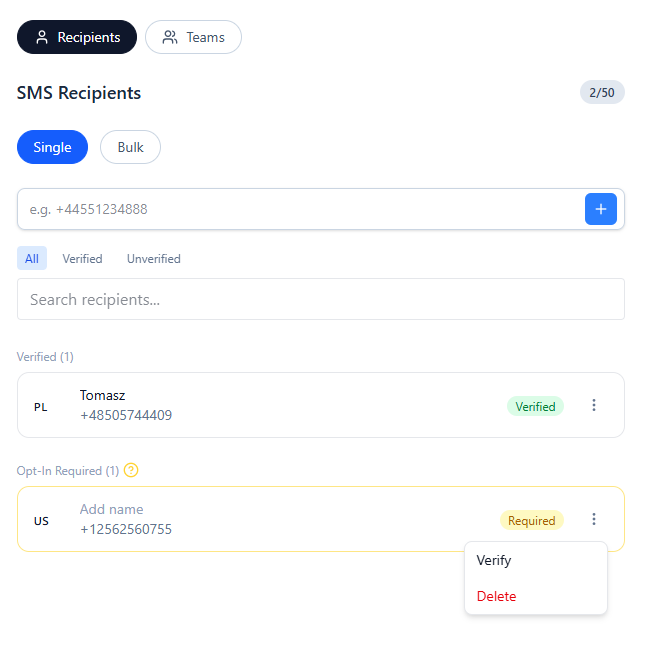
- 1. A workspace administrator adds a recipient phone number.
- 2. The number is marked as Opt-In Required.
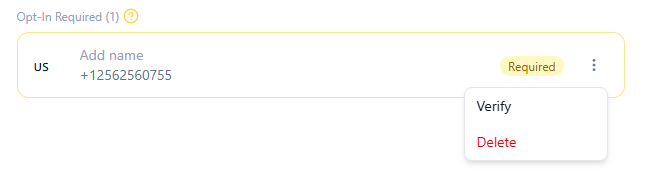
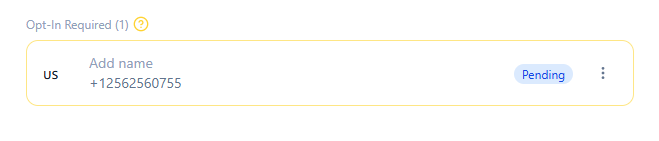
- 3. The administrator sends an opt-in request (Verify).
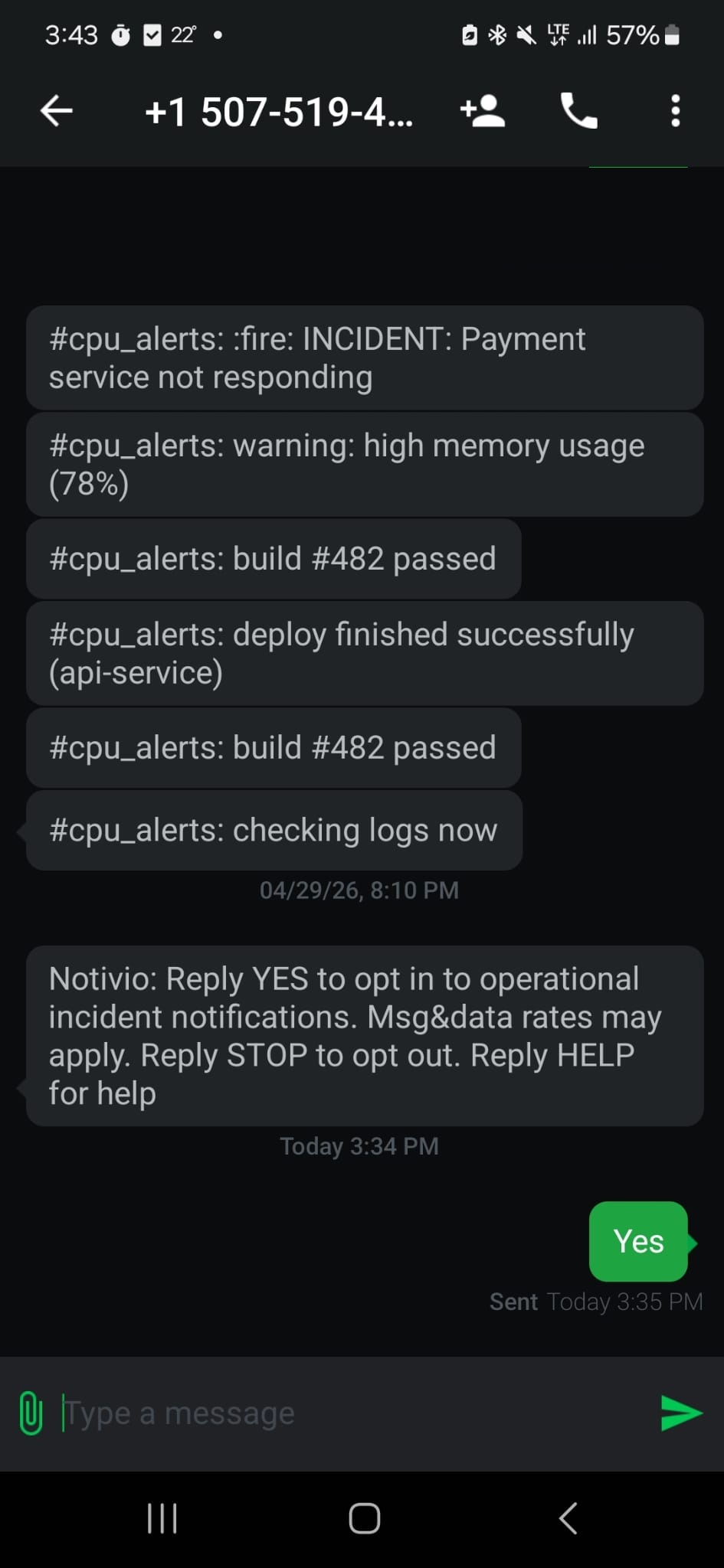
- 4. The recipient must reply YES.
- 5. Only then recipient gets verified and SMS notifications are enabled.
Opt-In flow
Notivio: Reply YES to opt in to operational incident notifications. Msg & data rates may apply. Reply STOP to opt out. Reply HELP for help.

Example Notifications
Alert
Notivio ALERT: Production server outage detected.
Incident
Notivio INCIDENT: Database connectivity issue.
Infrastructure
Notivio ALERT: Critical infrastructure issue detected.
Recipient Controls
STOP
Reply STOP at any time to opt out of future SMS messages.
HELP
Reply HELP for support information.
Compliance Information
- Message frequency varies depending on incident activity.
- Message and data rates may apply.
- SMS consent is never shared with third parties for marketing purposes.
- Operational notifications are sent only after explicit YES consent.